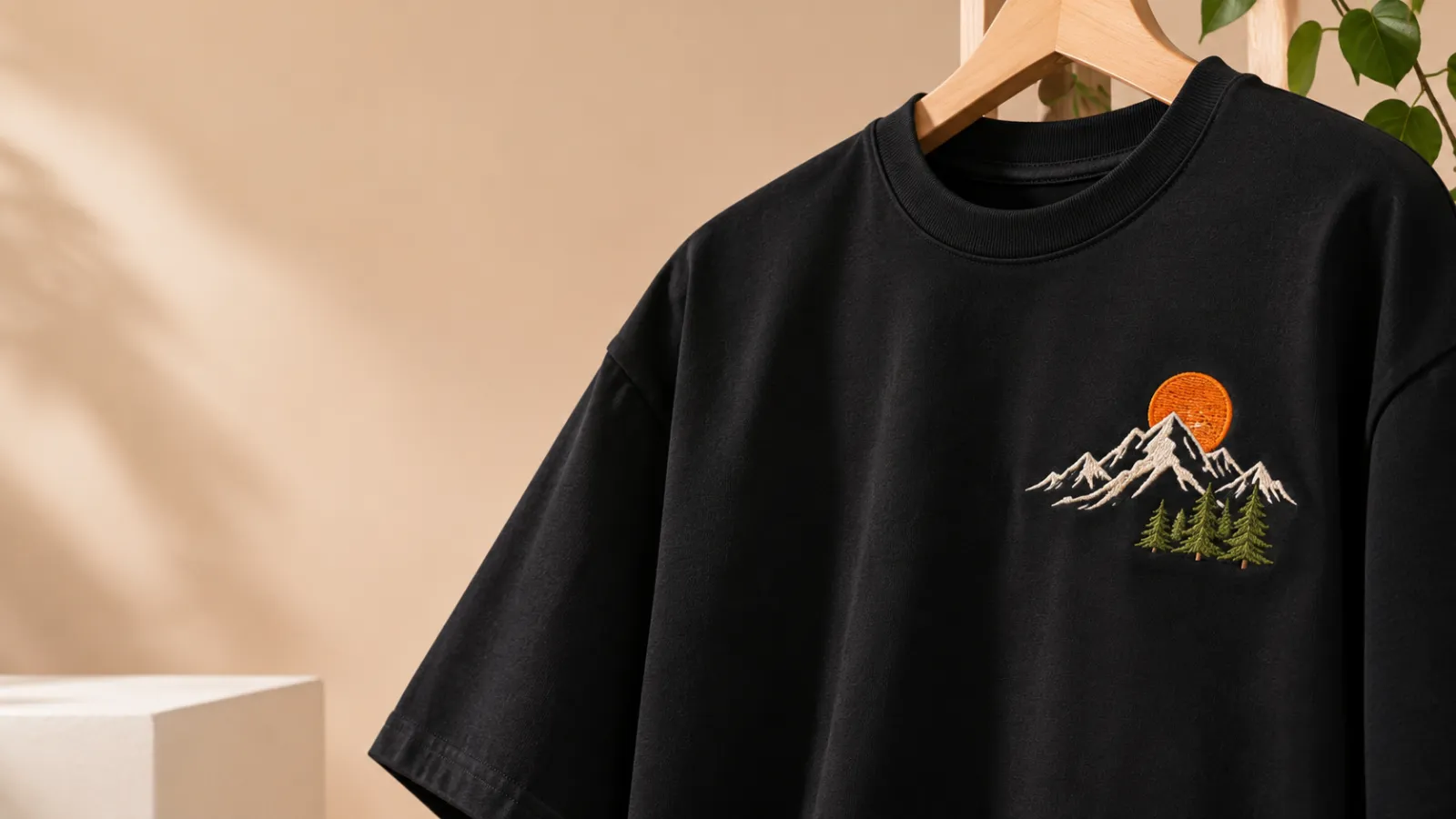
How to Order Embroidery in PrintzyHub: Step-by-Step Guide
Part of our guide: What Is Print on Demand and How Does It Work in India?
Ordering custom embroidery for T-shirts and apparel with PrintzyHub is simple. You cannot place an embroidery order directly through the website or app portal. Instead, you need to send your reference image and embroidery requirements to the PrintzyHub team through WhatsApp. The team will review your design, share a suitable preview and guide you through the approval and order confirmation process.
Whether you are starting a clothing brand, selling through Instagram or planning custom apparel for your business, this guide explains exactly how to order embroidery from PrintzyHub.
How to Place an Embroidery Order in PrintzyHub?
The embroidery ordering process is handled through WhatsApp. You do not need to search for an embroidery ordering option on the website or portal.
Follow these steps to get started:
Step 1: Send Your Reference Image on WhatsApp
First, open WhatsApp and contact the PrintzyHub team.
WhatsApp number: +91 76958 35511
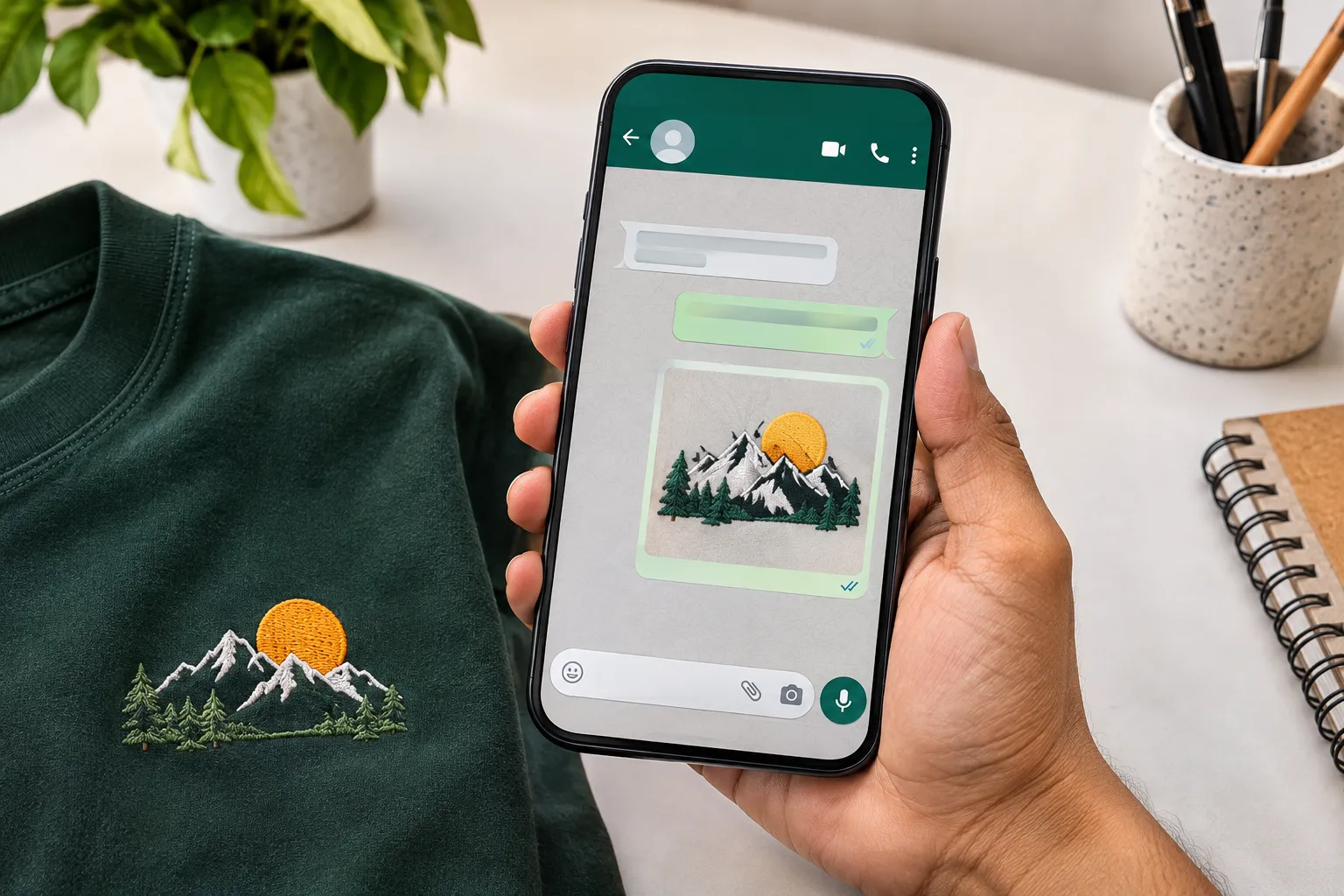
Send the image or reference design that you want to convert into embroidery. You can also explain what type of embroidery you are looking for.
For example, tell the team whether you want your design embroidered on the chest, back or another preferred area of your T-shirt.
The reference image helps the team understand your expectations.
Step 2: Explain Your Embroidery Requirements
Along with your reference image, clearly explain the type of embroidery you want.
Try to share the following information:
- Your embroidery reference image.
- The type of embroidery design you are looking for.
- Your preferred placement on the apparel, if applicable.
- Any specific design details you want to communicate.
You do not need to worry if you are unsure about some technical details. Share your idea with the team so they can guide you through the process.
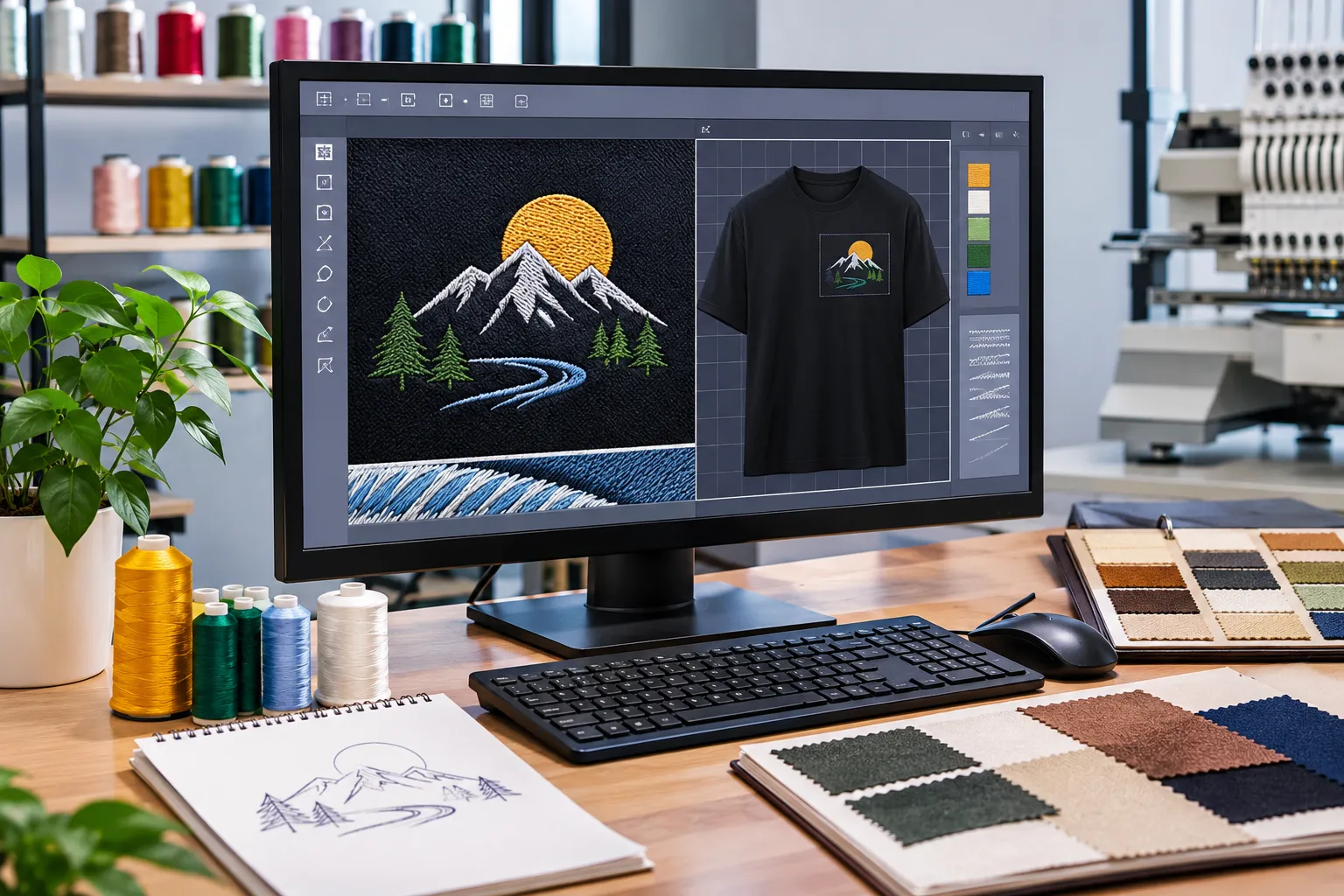
Step 3: Receive Your Embroidery Design Preview
Once you share your reference image and requirements, the PrintzyHub team will review your design.
Based on your reference, the team will prepare and share a suitable embroidery design preview.
This is an important step because it allows you to see how your design is being prepared before moving forward.
Review the preview carefully. If it matches your expectations, you can approve the design.
Step 4: Approve the Design
After receiving the preview, check whether the design looks suitable for your requirement.
Make sure you are comfortable with the design before giving your approval.
Once you approve the preview, the team will prepare the design for embroidery.
Do not rush through this step. Reviewing the design properly helps you communicate your expectations clearly before production.
Step 5: Select Your T-Shirt and Colours
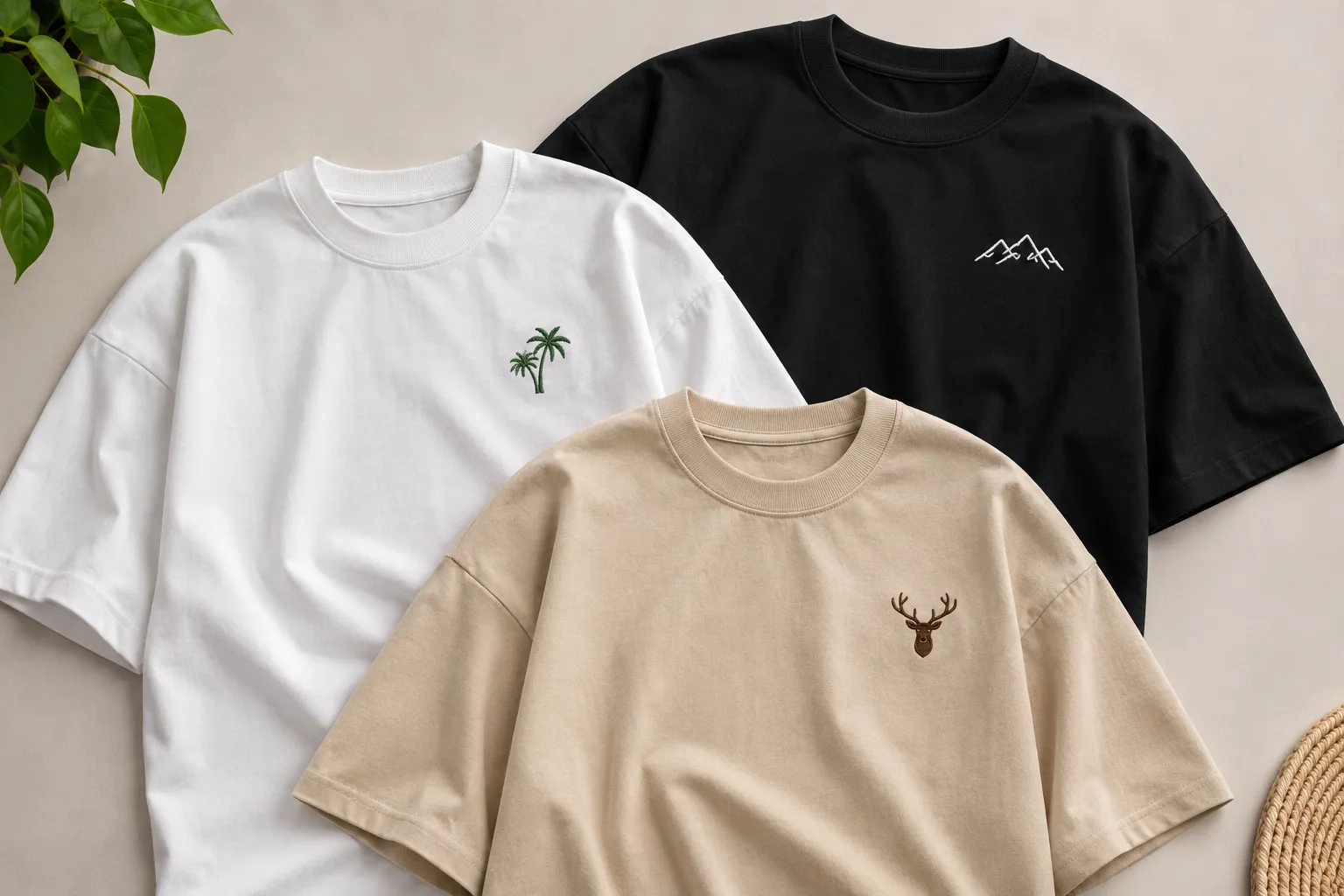
After approving the embroidery design, the next step is to finalize your apparel.
Confirm these three details with the PrintzyHub team:
- T-shirt type: Select the T-shirt or apparel you want.
- T-shirt colour: Confirm your preferred garment colour.
- Embroidery colour: Choose the embroidery colour you want for your design.
Make sure all three details are finalized before confirming the order.
If you are unsure which apparel option is suitable, you can explore the available T-shirt and apparel products to understand the product options and see current base prices.
Step 6: Confirm Your Order and Get It Processed
Once the design, T-shirt type and colours are finalized, confirm your order with the PrintzyHub team.
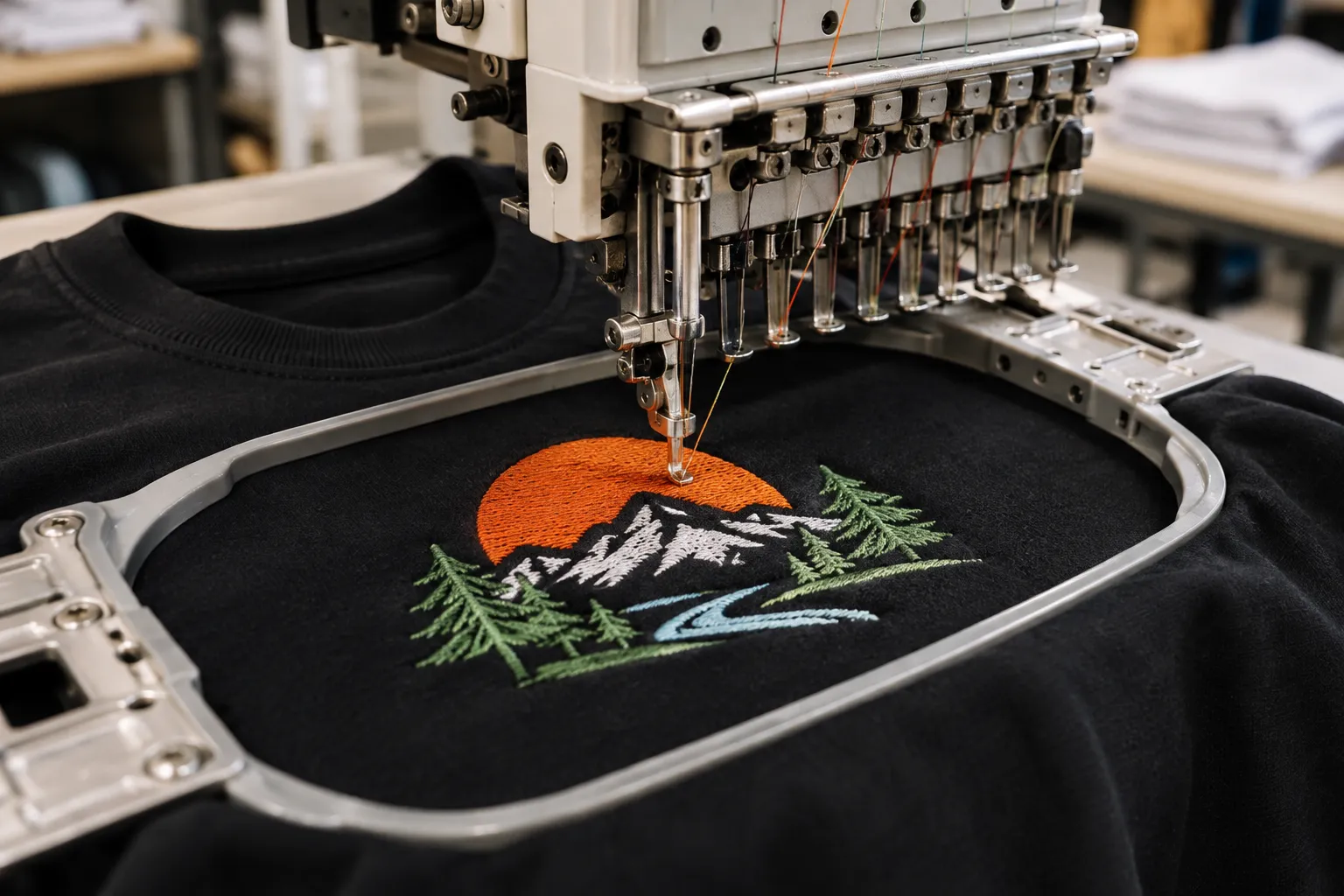
After confirmation, the team will process your order, complete the embroidery and arrange delivery.
That’s it! Your embroidery order journey with PrintzyHub is complete.
What Information Should You Share When Ordering Embroidery?
Sharing the right information at the beginning makes communication easier and helps the team understand exactly what you need.
Here is a simple checklist you can follow before contacting PrintzyHub.
| Information | What you need to share |
|---|---|
| Reference image | Your embroidery design or inspiration image |
| Embroidery requirement | Explain the type of embroidery you want |
| Design approval | Review and approve the shared preview |
| T-shirt type | Your preferred apparel product |
| T-shirt colour | Your preferred garment colour |
| Embroidery colour | Your preferred embroidery colour |
| Order confirmation | Confirm the finalized requirements |
You can save this checklist and use it whenever you want to place a new embroidery order.
Can You Order Embroidery Directly Through the PrintzyHub App?
This is an important point for new customers.
PrintzyHub provides a print-on-demand and dropshipping platform where sellers can sign up, select products, upload artwork, preview designs and manage their apparel business.
However, embroidery orders follow a different ordering process.
Embroidery orders must be initiated through WhatsApp, not directly through the website or app portal.
Here is the difference between the two processes:
| Regular Print-on-Demand Order | Embroidery Order |
|---|---|
| Sign up through the PrintzyHub app | Contact the team through WhatsApp |
| Select an available product | Share your embroidery reference image |
| Upload your artwork | Explain your embroidery requirements |
| Preview your uploaded design | Receive a suitable embroidery preview |
| Proceed with the order | Approve the design |
| PrintzyHub processes the order | Finalize T-shirt and embroidery colours |
| Product is packed and shipped | Order is processed, embroidered and delivered |
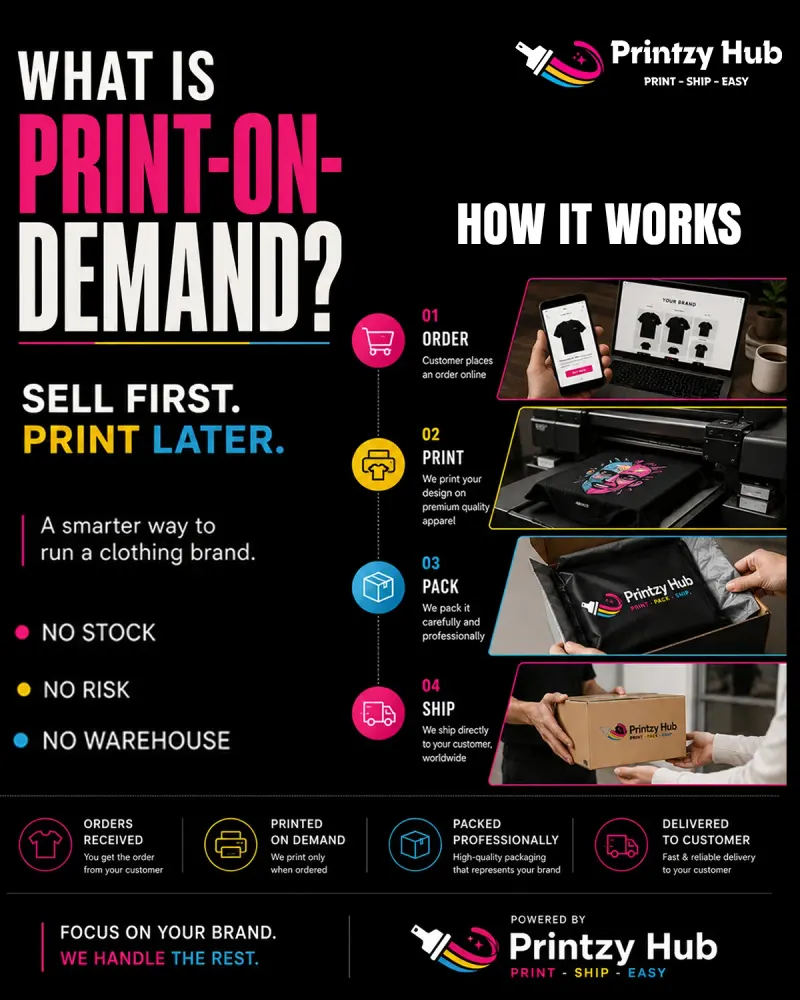
If you are new to the print-on-demand business model, read our guide on what print-on-demand is and how it works in India.
How Does PrintzyHub Help Clothing Brands and Online Sellers?
Custom embroidery can be useful for clothing brands that want to create apparel with their own designs and branding.
For example, you might want to create:
- Minimal embroidered chest designs for oversized T-shirts.
- Custom logo embroidery for your clothing brand.
- Embroidered designs for casual apparel.
- Branded apparel for your Instagram store.
- Custom clothing for companies, colleges and events.
PrintzyHub, operated by MV INC in Tiruppur, Tamil Nadu, provides print-on-demand and dropshipping services for apparel sellers in India.
Here is how the platform supports your business:
1. Start Without Buying Stock
You can start an apparel business without purchasing large quantities of ready-made inventory.
PrintzyHub offers no-minimum-order print-on-demand services, allowing sellers to order a single printed T-shirt or place bulk orders.
2. Sell Through Your Own Channels
You can sell apparel through your own online store, Instagram or marketplaces such as Amazon, Flipkart, Meesho and Myntra.
PrintzyHub supports marketplace order requirements and helps sellers manage their apparel business.
3. Custom Branding Support
Building a clothing brand is not just about selling T-shirts. Your brand identity also matters.
PrintzyHub offers customised branding services, including your own labels and packaging.
Explore the customised branding services to learn more.
4. Order Samples Before Going Bulk
If you are planning to launch a clothing collection, ordering a sample is a useful way to check the product before placing a larger order.
You can order a single apparel sample to check the fabric, fit, print and packing.
5. Printing and Order Support
PrintzyHub uses DTF (Direct-to-Film) printing for its print-on-demand printing service.
The company also provides quality control on every order. If you notice a printing defect, report it through the dashboard or support. Verified production errors are checked by the quality team and reprinted or replaced.
Note that the embroidery ordering process described in this article is handled separately through WhatsApp.
Frequently Asked Questions About PrintzyHub Embroidery Orders
1. Is WhatsApp compulsory for embroidery orders?
Yes. You need to contact the PrintzyHub team through WhatsApp because embroidery orders cannot currently be placed directly through the website or portal.
2. Can I share an existing embroidery design?
Yes. You can share your reference image through WhatsApp. The team will review it and send you a suitable embroidery design preview.
3. Should I select my T-shirt colour before sending the design?
You can share your initial requirements along with the reference image. However, the T-shirt type, T-shirt colour and embroidery colour are finalized after you approve the design preview.
4. Can I change the design after receiving the preview?
If you have changes or specific requirements, communicate them to the team while reviewing the preview, before approving the design.
5. Where is PrintzyHub located?
PrintzyHub is operated by MV INC in Tiruppur, Tamil Nadu, India. The company also has a PrintzyHub Experience Center.
6. How can I contact PrintzyHub support?
You can contact the team through the following channels:
- WhatsApp: +91 76958 35511
- Email: [email protected]
- Working days: Monday to Saturday
- Working hours: 9 AM to 6:30 PM IST
- Languages supported: Tamil, English and Hindi
For additional help, visit the PrintzyHub support page.
Conclusion: Start Your Embroidery Order with PrintzyHub
Ordering embroidery through PrintzyHub is straightforward. You simply need to share your reference image through WhatsApp, explain your requirements, review the design preview and approve it.
After approval, finalize your T-shirt type, garment colour and embroidery colour. The team will then process your order and complete the embroidery.
If you are planning to start a clothing brand or add custom embroidered apparel to your existing collection, the first step is simple.
Send your embroidery reference image to PrintzyHub on WhatsApp: +91 76958 35511.
Share your idea, review the preview and get started with your custom embroidery order.
Frequently asked questions
Can I place an embroidery order directly through the PrintzyHub website?
No. Embroidery orders cannot currently be placed directly through the PrintzyHub website or app portal. You need to share your reference image and embroidery requirements through the PrintzyHub WhatsApp support number, +91 76958 35511.
How do I send my embroidery design to PrintzyHub?
Send your reference image through WhatsApp to +91 76958 35511. Also explain the type of embroidery you want so the team can understand your requirements and prepare a suitable design preview.
Do I need to approve the embroidery design before production?
Yes. The PrintzyHub team reviews your reference image and shares a suitable embroidery design preview. You can review the preview and approve it before the design moves to the embroidery preparation stage.
Can I choose my T-shirt and embroidery colours?
Yes. After approving the embroidery design, you can confirm your preferred T-shirt type, T-shirt colour and embroidery colour with the PrintzyHub team before the order is processed.
Can beginners and Instagram sellers order custom embroidery?
Yes. Instagram sellers, clothing brand owners, creators and beginners can contact PrintzyHub to discuss their embroidery requirements. Share your design reference through WhatsApp to get started.
What should I share when contacting PrintzyHub for embroidery?
Share your reference image, the type of embroidery you want, your preferred T-shirt type, T-shirt colour and embroidery colour. This information helps the team understand your requirements and guide you through the ordering process.